GivingTuesday falls on December 1 this year, and it kicks off the busiest giving season of the year. Between now and December 31, your supporters will open emails, see social posts and click through to your website ready to give.
What happens next depends on your nonprofit donation page. If it’s hard to find, slow on a phone, or asks for too much, some of those generous people will give up before they finish.
Here are seven things your donation page needs before your year-end appeals go out. None of them require a big budget, and most can be done in an afternoon.
1. A donate button on every page
Supporters don’t always arrive on your homepage. They land on an event page, a blog post or a program page from a link someone shared. If the only way to give is to go looking for a donation page, some won’t.
Put a Donate button in your main menu so it appears on every page, and make it a color that stands out from everything else in your design. On a phone, check that it’s visible without opening the menu.
2. A short form that works on a phone
Many donors will give from their phones, often straight from an email or a social post. Every extra field and every extra step is another chance for them to stop.
Ask only for what you need: amount, name, email and payment. Make sure the form fits the screen, the buttons are easy to tap, and digital wallets like Apple Pay or Google Pay are turned on if your donation platform offers them. Keep the donor on your site if you can, or make the handoff to your giving platform feel seamless.
3. Suggested amounts tied to what they fund
A blank amount box makes people stop and think. Suggested amounts make the decision easier, especially when each one says what it does:
- $25 provides a week of healthy meals for a family
- $50 covers supplies for one cooking class
- $100 sponsors a child at our summer program
Use real numbers from your own programs. When donors can picture what their gift does, they feel more confident giving.
4. A monthly giving option
A monthly donor is worth far more over a year than a single gift, and they’re often your most loyal supporters. Add a simple “Make it monthly” option right on the form, not on a separate page.
Give it a name if you can, like “Friends of the Kitchen” or “Sustaining Members,” and tell monthly donors what their ongoing support makes possible.
5. One clear story and one real photo
A donation page isn’t the place for your full history or every program you run. Pick one story, one person or family your work helped, and tell it in a few sentences. Pair it with one real photo of your people, not a stock image.
Then connect it to the gift: “Your donation today helps the next family like Maria’s.”
6. A thank-you page and email that feel personal
What happens after someone clicks Donate matters as much as the form. Most giving platforms send a plain receipt by default. Replace it, or add to it, with something warmer:
- A thank-you page that shows a photo and says what their gift will do
- A confirmation email signed by a real person, not “The Team”
- An invitation to follow along, join your newsletter or share the campaign
Keep the tax receipt details your platform requires, but make the first thing donors read feel human.
7. Test a real donation before December 1
Give $5 to your own nonprofit, on your phone, from start to finish. Then check:
- Did the form work on a phone and on a computer?
- Did the payment go through?
- Did the thank-you page and email arrive, and do they look right?
- Did the donation show up in your records and your bookkeeping?
If anything feels slow, confusing or broken, fix it now. On GivingTuesday, you want to be sharing your appeal, not troubleshooting your form.
Your donation page checklist
- ☐ A Donate button is in the main menu, on every page, in a standout color
- ☐ The form asks only for amount, name, email and payment
- ☐ It works smoothly on a phone, with digital wallets turned on if available
- ☐ Suggested amounts say what each gift funds
- ☐ A monthly giving option sits right on the form
- ☐ One short story and one real photo
- ☐ A warm thank-you page and email, signed by a real person
- ☐ A test donation went through from start to finish
A countdown to GivingTuesday
- This week: run the checklist and list what needs fixing.
- By November 20: update your form, amounts, story and thank-you messages.
- Week of Thanksgiving: make a test donation on your phone and fix anything that feels off.
- December 1, GivingTuesday: share your appeal and link straight to the donation page.
- December 31: send one last reminder, since many people give on the final days of the year.
Examples from our work
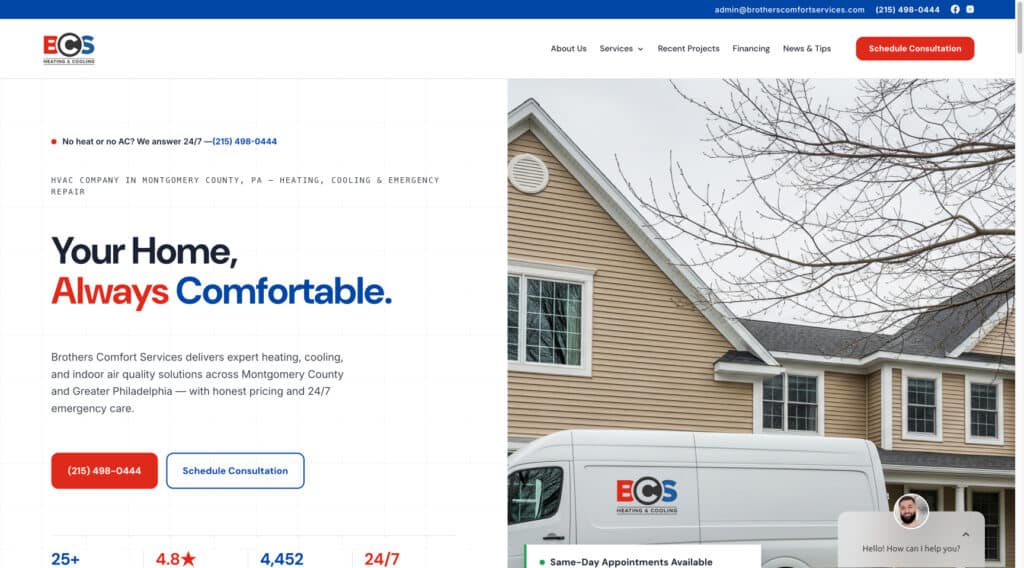
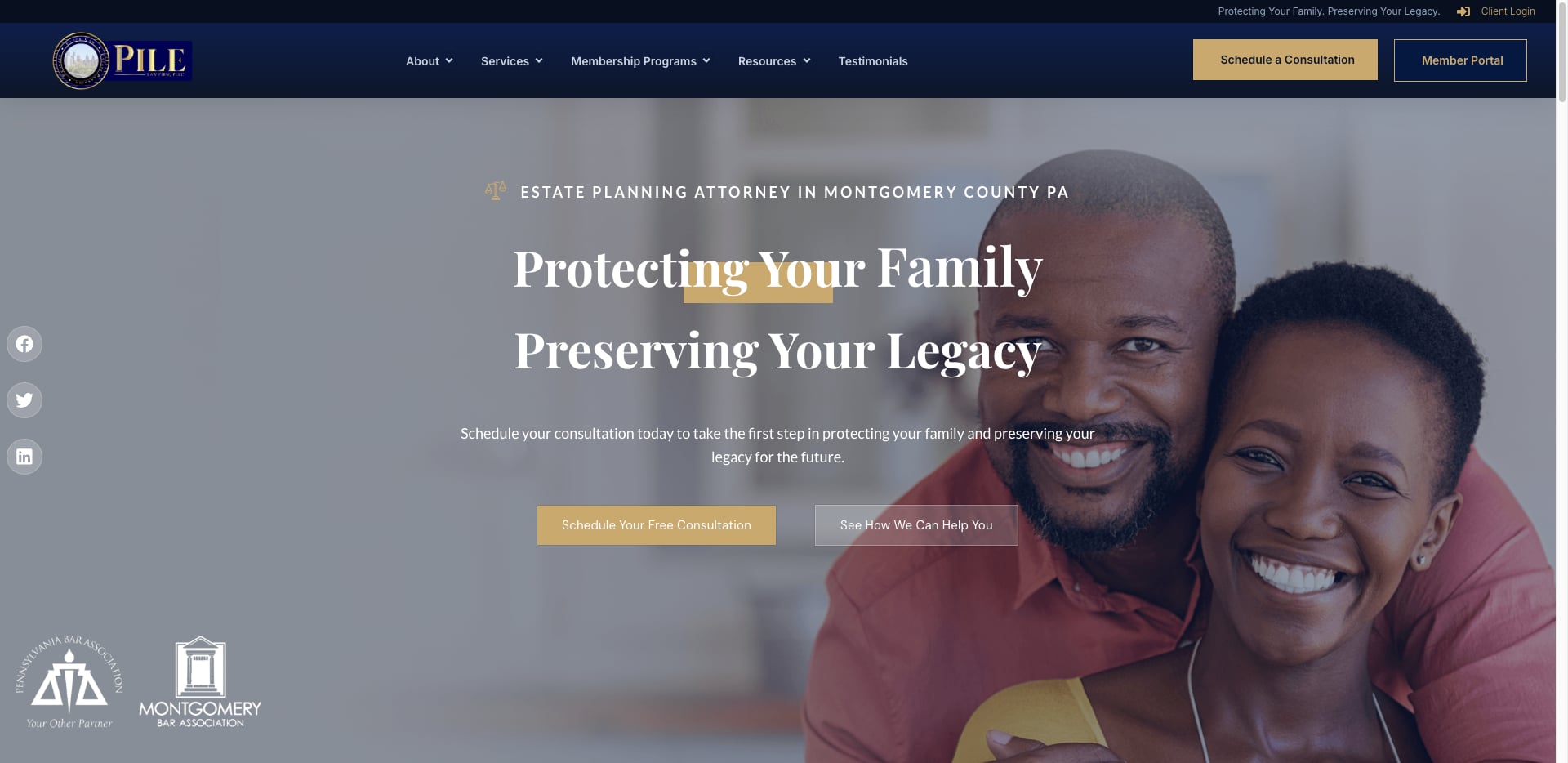
We’ve built and supported websites for nonprofits like Food Jonezi Friendz, which brings cooking classes and fresh food access to Washington, D.C. residents, and Black Nonprofit Chief Executives of Philadelphia, whose member platform serves more than 200 nonprofit leaders. In both cases, the goal was the same: make it easy for people to support the mission.
Common questions about nonprofit donation pages
Should our donation form be on our website or on a giving platform?
Either can work. Many nonprofits use a giving platform for payments and receipts, embedded on their own site or linked from a prominent button. What matters most is that the experience is fast, looks like your organization, and works well on a phone.
How many suggested amounts should we offer?
Three or four is usually plenty, plus an “Other” option. Tie each one to something concrete your organization does.
Is it too late to fix our donation page before GivingTuesday?
No. Most of these changes, like adding a menu button, trimming the form, and rewriting the thank-you message, can be done in a few hours. Start with the donate button and the test donation.
What should we do after GivingTuesday?
Thank every donor quickly, share what the campaign achieved, and keep the donation page ready for the rest of December.
The bottom line
Your supporters already want to help. Your donation page’s only job is to make it easy. A visible button, a short form and a warm thank-you can make a real difference to your year-end results.
We help nonprofits and churches across the Philadelphia area build websites that make giving simple. Schedule a meeting and we’ll look over your donation page with you before GivingTuesday.
Is your site making these mistakes?
We'll do a free 30-minute review of your current website. No pitch and no pressure, just an honest look at what's working and what isn't.